Finds your games
Anything Android recognizes as a game appears on its own. Add emulators and anything else by hand, several at once.
Geim finds every game on your phone and puts them in one place, so you can find what you want to play and jump straight in.
Geim does the sorting so you don't have to dig through folders and home screens to find a game.
Anything Android recognizes as a game appears on its own. Add emulators and anything else by hand, several at once.
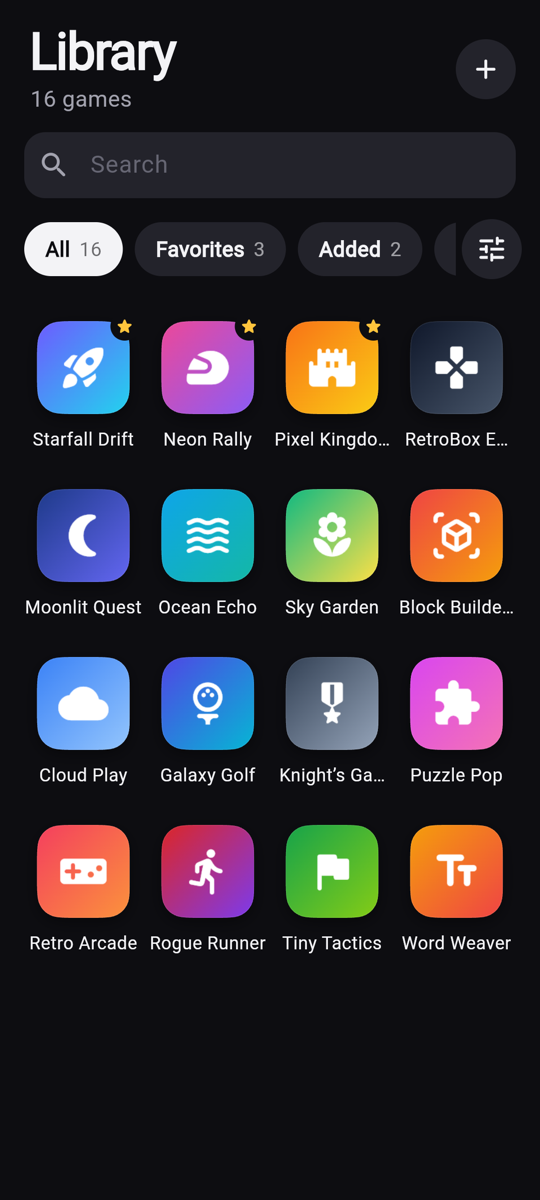
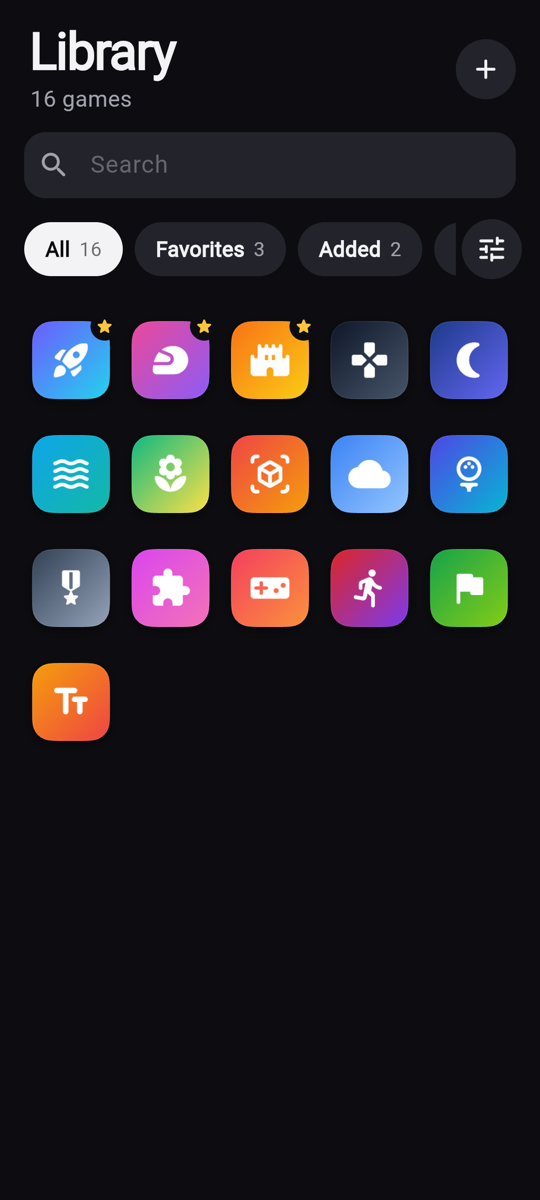
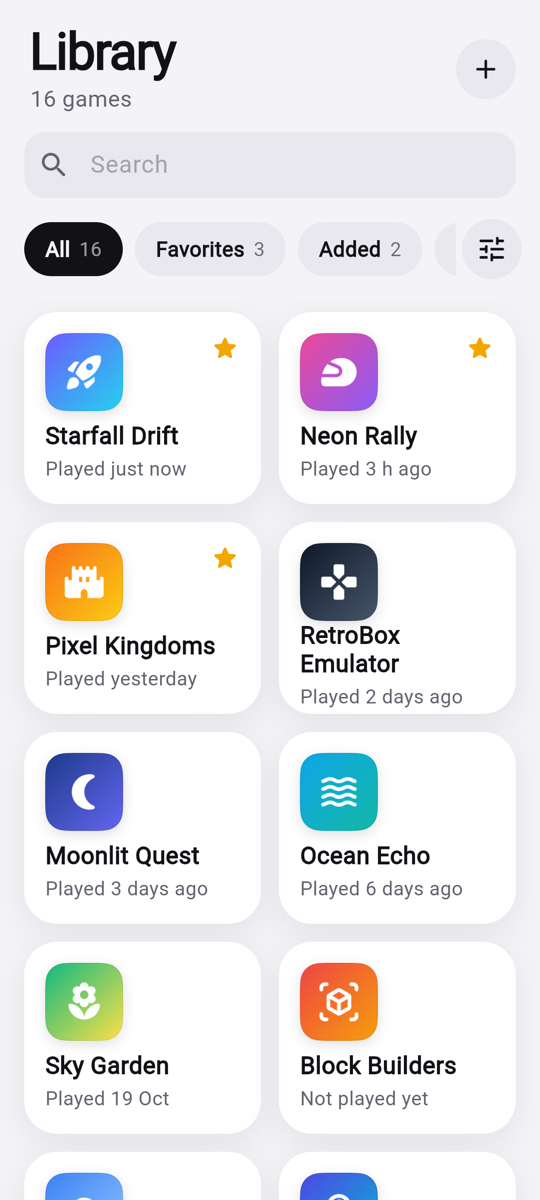
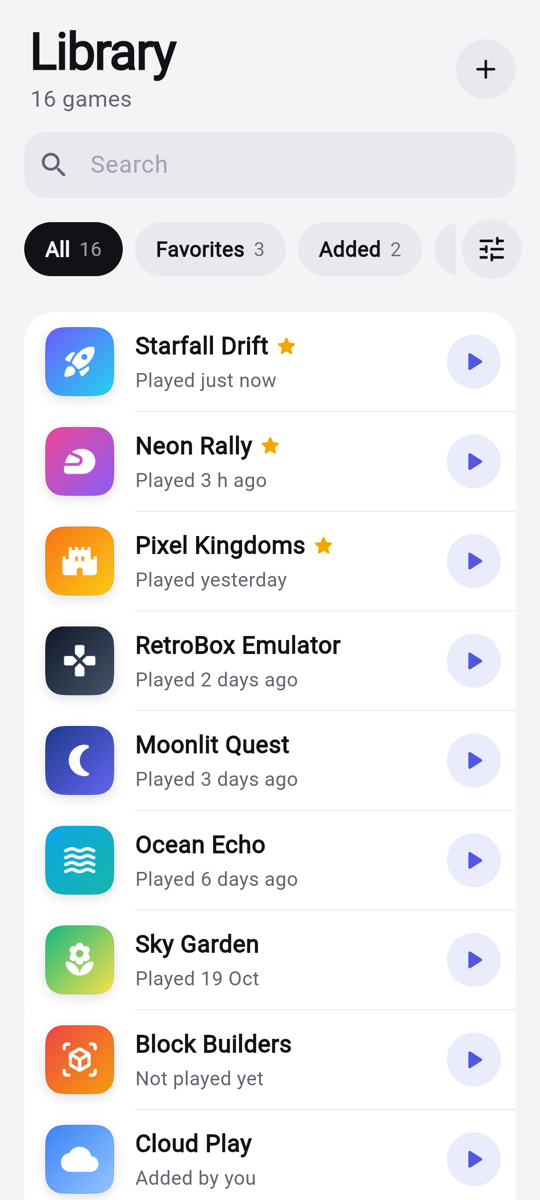
Grid, Compact, Cards, List, a Carousel with one big card in focus, or a Console home with the game's art front and center.
Recently played, recently installed, A to Z or Z to A. Filter to Favorites, Added or Hidden, with live counts.
View, sort, filter, favorites and hidden games stay put after you close the app or restart your phone.
Tap to play. Long-press to favorite, hide or remove a game, with undo if you change your mind.
Phones in portrait or landscape, open foldables and tablets each get a layout that fits, in light or dark mode.
Switch any time from the Display menu. Geim remembers your choice.
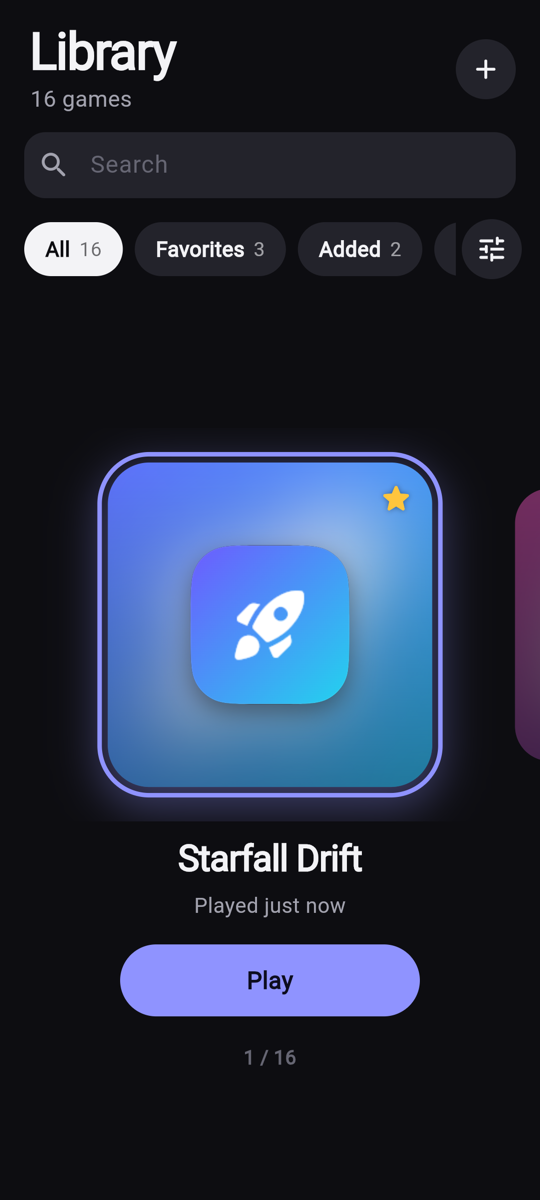
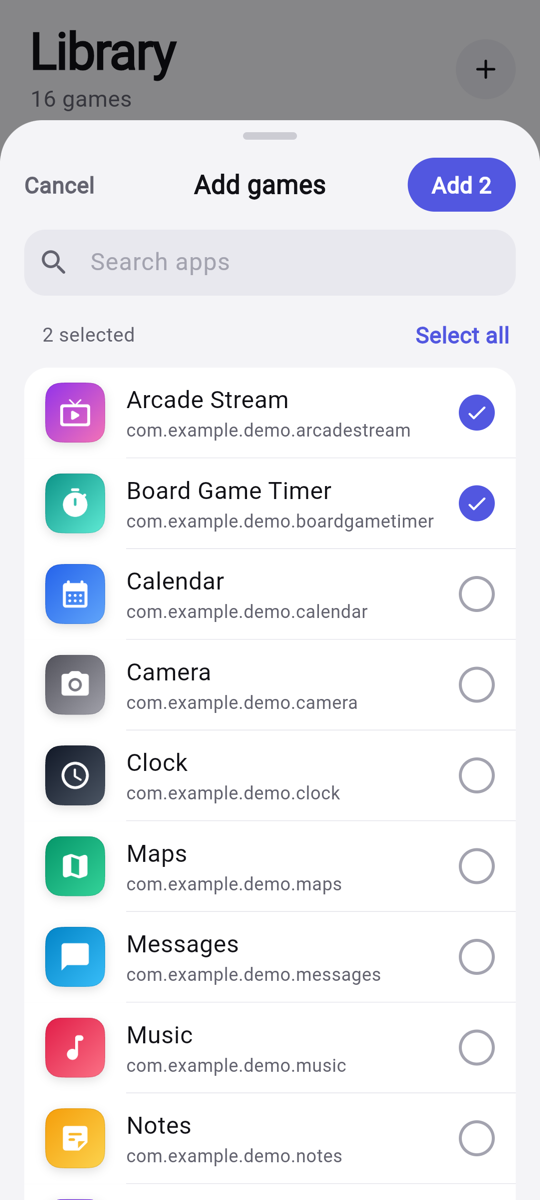
Some games and emulators don't tell Android they're games. Tap +, tick as many apps as you like, and add them all at once.
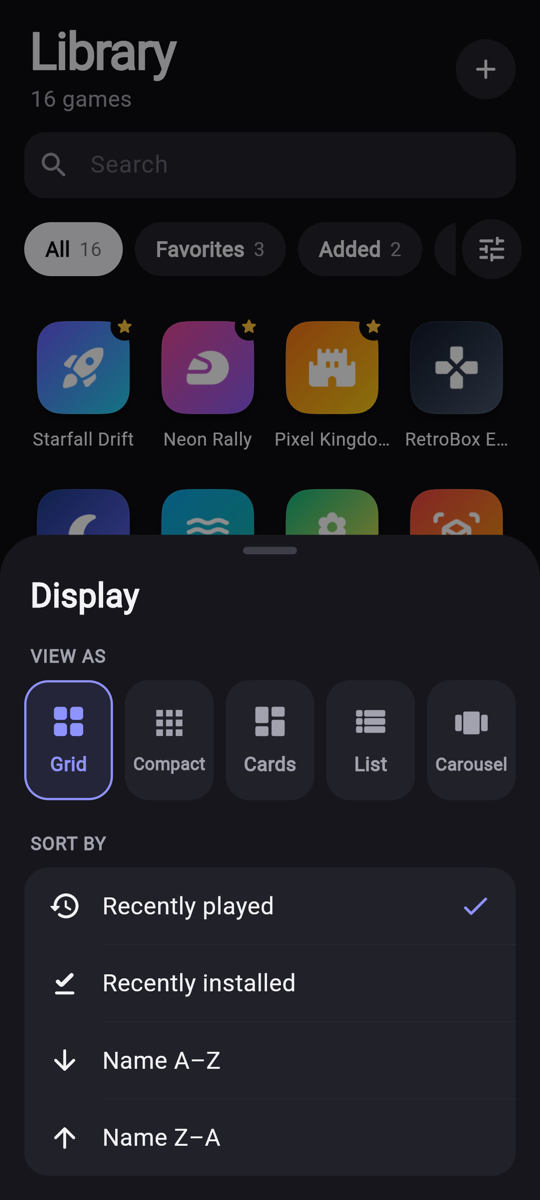
Pick a view and a sort order in one sheet. The library updates behind it as you choose.
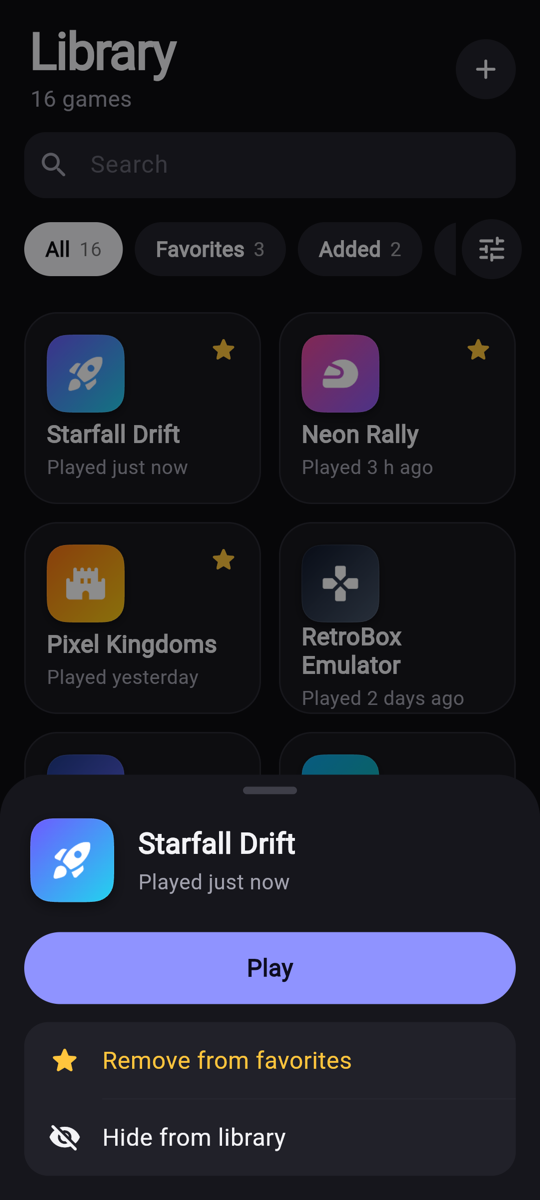
Long-press any game to play it, add it to your favorites or hide it. Hidden games wait under the Hidden filter until you bring them back.
Geim works entirely on your device. It doesn't even ask for internet access, so your library can't leave your phone.
No. Geim organizes and launches the games you already have installed. It doesn't sell, download or include any games.
Geim lists apps that Android identifies as games. Some games, emulators and sideloaded apps don't identify themselves that way. Tap + and add them by hand.
Geim is built for Android first. iPhone doesn't let apps see which other apps are installed, so an iPhone version needs a different approach. The App Store button will go live when it's ready.
Only on your device, and only for games you open from Geim. The times are stored in the app's private storage and never sent anywhere.
Uninstall the app, or clear its storage in your phone's settings. That deletes your favorites, hidden games and settings.

Free up your home screen and find every game in one place.